
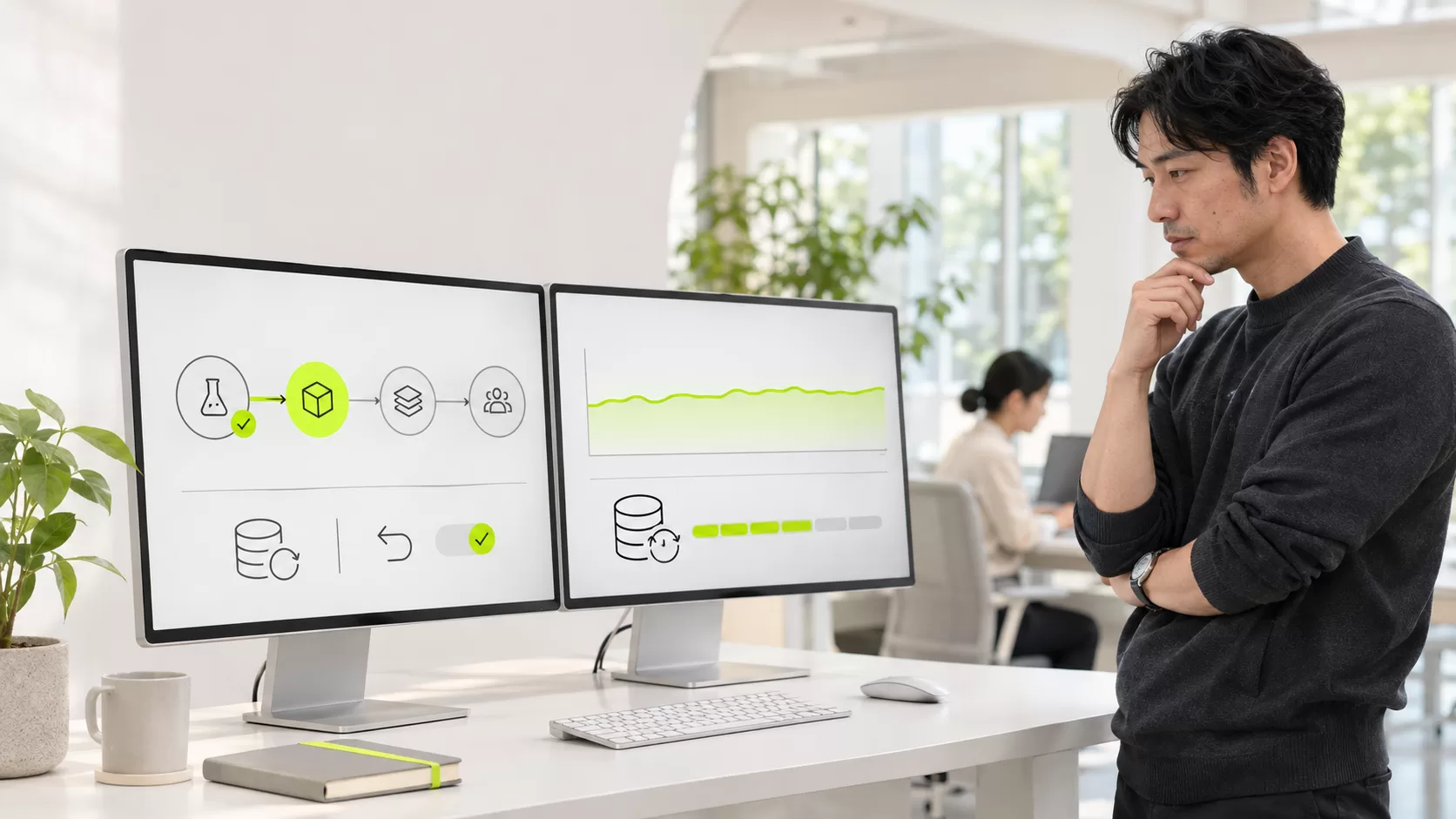
Knowing how to update software without disrupting operations is becoming a business capability, not merely a technical task. Artificial intelligence can uncover vulnerabilities faster, but that advantage also reduces the time available to assess, test, and deploy fixes safely.
In November 2026, several technology disruptions coincided with software updates. Experts cited by Axios said pressure to fix AI-discovered vulnerabilities is colliding with organizations' ability to deploy changes. This does not mean every outage had the same cause or prove a coordinated campaign. It does reveal a practical problem: a rushed security correction can interrupt a critical service when the change process is not prepared.
The dilemma: remain exposed or update too quickly
When a critical vulnerability appears, a company faces two risks at once:
- Security risk: leaving a vulnerable version in place may enable an intrusion.
- Operational risk: installing a fix without testing may break dependencies, integrations, or essential functions.
The right response is not always “patch everything immediately,” nor is it indefinite delay. It requires understanding where the software runs, how exposed it is, which operations depend on it, which temporary mitigations exist, and how service will recover if the change fails.
Why updates can cause outages
A patch may alter libraries, protocols, permissions, configurations, or behaviors that other components assume will remain unchanged. Problems commonly arise when:
- there is no current inventory of systems and versions;
- production differs from the test environment;
- an integration relies on behavior that changes;
- a plugin or module is no longer compatible;
- a database migration is difficult to reverse;
- there is no spare capacity to remove a node safely;
- a backup exists but restoration has never been tested.
How to update software without disrupting operations
NIST describes enterprise patch management as identifying, prioritizing, acquiring, installing, and verifying updates. Verification matters as much as installation: “completed successfully” does not prove customers can still finish their essential tasks.
1. Maintain an operational inventory
Do not stop at a server list. Record versions, owners, internet exposure, processed information, integrations, dependencies, and downtime tolerance. When an alert appears, this inventory shows within minutes what may be affected.
2. Prioritize actual risk, not only a score
A critical flaw in an isolated component may be less urgent than a moderate issue in a public service holding sensitive credentials. Evaluate active exploitation, public proof-of-concept code, exposure, possible privileges, business impact, and available compensating controls.
3. Build a representative test environment
A useful environment reproduces relevant versions, configurations, anonymized data, and connections. It does not need to copy every detail of production, but it must include the dependencies most likely to break.
Test sign-in, forms, payments, notifications, scheduled jobs, APIs, document generation, and every journey that keeps the operation running.
4. Define rollback before deployment
Before changing production, answer: what signal triggers rollback, who can approve it, how long will it take, can the database return to its previous state, and what happens to transactions created during the change?
A backup helps only if it can be restored within the time the business can tolerate. Test recovery and document the procedure.
5. Deploy in stages
When architecture allows, update a standby instance or a small group first and observe behavior before expanding. Canary, blue-green, or sequential deployments reduce the number of affected users when a problem emerges.
For systems that cannot support staged deployment, plan a controlled maintenance window and communicate the possible impact honestly.
6. Monitor the user journey, not only the server
CPU, memory, and error codes matter, but they are insufficient. After deployment, verify that a person can sign in, search, purchase, book, pay, and receive confirmation.
Compare indicators before and after the change: errors, response time, completed transactions, failed integrations, and support requests.
7. Automate with human control points
Automation can discover versions, execute tests, deploy in stages, and roll back when thresholds are crossed. High-impact changes still require clear owners and approval criteria.
The goal is not to remove people. It is to eliminate repetitive work while preserving human judgment for exceptions and unpredictable risks.
8. Use temporary mitigation when immediate patching is unsafe
NIST guidance includes alternatives such as isolating assets or applying temporary controls during emergencies. Depending on the case, a company may disable a feature, restrict network access, strengthen authentication, limit requests, or temporarily remove a component.
A mitigation must not become a permanent excuse. Record its owner, scope, and review date.
A one-page update plan
- Asset: system, version, owner, and criticality.
- Risk: vulnerability, exposure, and possible impact.
- Tests: journeys that must work after the change.
- Backup: recovery point and validated restoration.
- Deployment: stages, timing, owners, and communication.
- Monitoring: metrics and observation period.
- Rollback: thresholds, decision owner, and procedure.
- Evidence: final version, results, and incidents.
A common story: the patch worked, but checkout stopped
A company updates a library to fix a vulnerability. The application opens, the server responds, and the team closes the change. Hours later, it discovers that checkout stopped sending a field required by the payment provider.
The update succeeded technically but failed operationally. A synthetic checkout test and an alert on declining transactions could have identified the problem before it affected every customer.
How Ainoa can help
Ainoa's Custom Administrators can centralize versions, statuses, owners, metrics, alerts, and change evidence. Teams can see what changed, when, and with what result.
Custom Intelligent Agents can support inventory review, alert classification, automated checks, and reporting while preserving human approvals for critical changes.
Frequently asked questions
Must every critical vulnerability be patched immediately?
It must be assessed urgently, but the plan depends on exposure, known exploitation, asset importance, available mitigations, and outage risk. The decision should be documented.
Is a backup enough for rollback?
No. You must know that it can be restored, how long restoration takes, what data may be lost, and how operations occurring during the change will be handled.
Can AI manage every patch automatically?
AI can assist discovery, prioritization, testing, and deployment. Critical systems still benefit from limits, approvals, monitoring, and an independent stop mechanism.
Reliable updating is a continuity discipline
To update software without disrupting operations, security, development, and business knowledge must work together. As AI finds more flaws and shortens response windows, improvisation becomes increasingly expensive.
If your company needs to turn updates, integrations, and controls into an observable process, talk to Ainoa. We can design a custom administrator or agent that documents, monitors, and escalates changes without sacrificing operational control.