On Wednesday, October 28, 2026, the shopping journey for some active Facebook and Instagram ads may change. Meta has been notifying advertisers about a feature called Product Browsing, designed to show product information and related recommendations inside its platforms before a person reaches the advertiser’s website.
Meta Product Browsing may help people discover products, but it also raises an important question: did the click reported in Ads Manager become a real visit to your store, or did the person remain inside Meta?
This guide explains what is known, what may still vary by account, and what advertisers should review before October 28. The recommendation is not to turn the feature off blindly. It is to protect measurement and make the decision using sales, real website visits and profitability.
What is Meta Product Browsing?
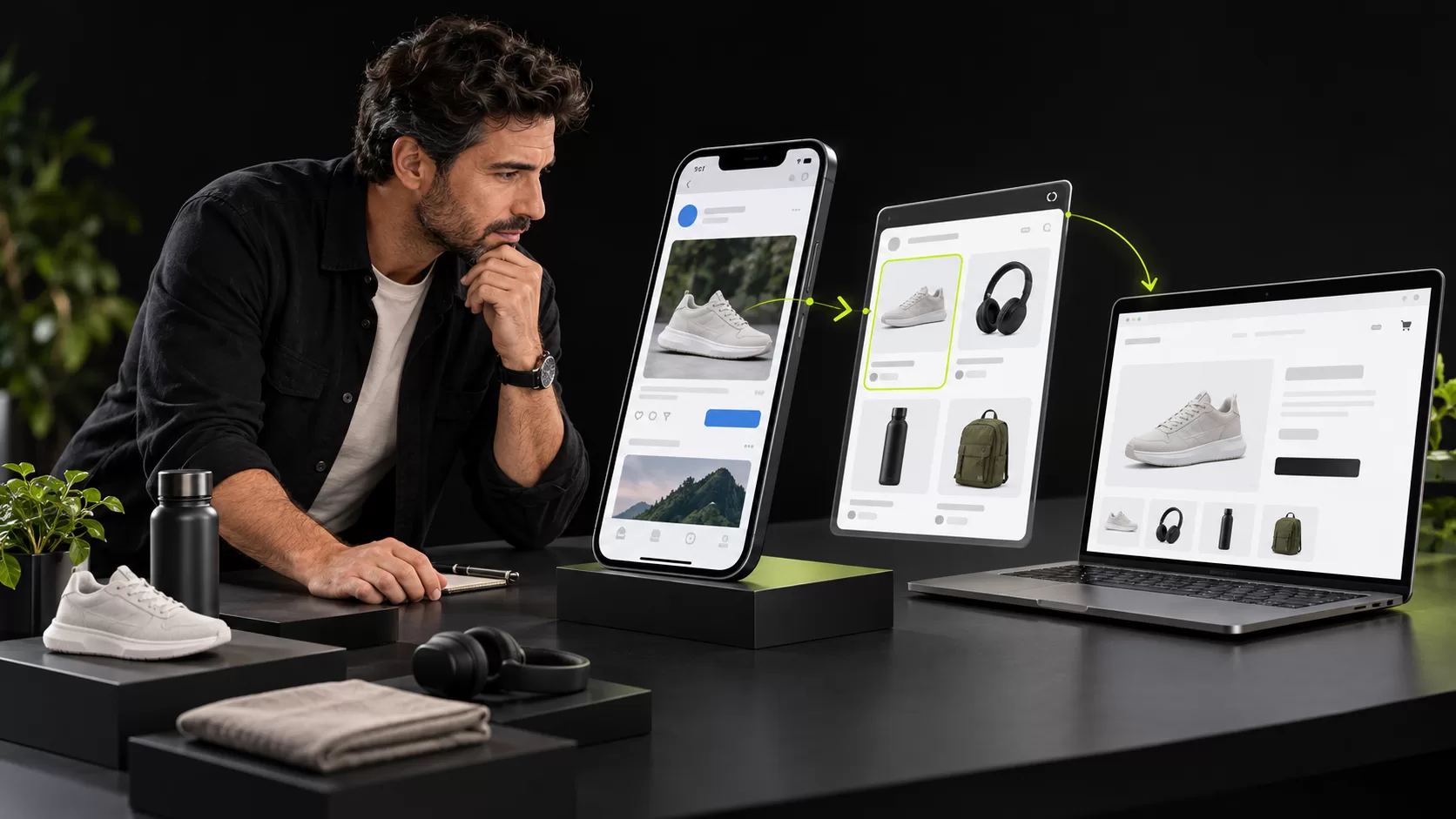
Product Browsing is an enhancement associated with catalog experiences and destination optimization. When enabled, a person who taps an ad may first see an in-app experience on Facebook or Instagram containing product information and related recommendations. From there, the person may continue to the advertiser’s website.
That changes the traditional journey:
- Direct journey: ad → product page on the store.
- Product Browsing journey: ad → in-app product experience → possible visit to the store.
The second journey is not automatically negative. It may help someone explore the catalog before visiting the website. However, it adds another stage that should be evaluated, especially when the product page contains elements that Meta does not show: reviews, comparisons, bundles, financing, delivery information, demonstrations or personalized assistance.
Will it be enabled for every ad?
It would be inaccurate to claim that the change will affect every ad or every account. The available information comes mainly from notices shown by Meta to advertisers and from experiences reported inside Ads Manager. Eligibility may depend on the account, campaign objective, connected catalog and Advantage+ settings.
The correct action is therefore to inspect the actual settings in each account. If the notice or option is not visible, that does not necessarily indicate an error: the feature may not be available or may not apply to that ad.
Why can the first click distort your interpretation?
An ad click and a website visit are not the same event. If the first interaction opens an experience inside Meta, the user still needs to continue before reaching the store. An improvement in clicks or engagement rate therefore does not prove that sessions, carts or sales increased.
Separate at least these stages when assessing performance:
- clicks or interactions reported by Meta;
- actual landing-page views;
- sessions identified by website analytics;
- products viewed and added to cart;
- confirmed purchases;
- revenue, margin and customer acquisition cost.
If clicks rise while visits and purchases do not, the new journey may be adding friction. If fewer people arrive but a higher proportion buys, the experience may be filtering intent more effectively. Neither outcome should be assumed before it is measured.
What to review before October 28
- Look for the notice in your account. Review notifications and messages related to Product Browsing.
- Identify eligible ads. Prioritize active ecommerce campaigns and ads connected to catalogs.
- Open the ad settings. Review Advantage+ Creative, destination settings and options related to personalized destinations or product browsing.
- Check the preview. Verify what a person will see after tapping the ad and whether the journey leads directly to the website.
- Audit the catalog. Check availability, prices, variants, titles, images and products you would not want promoted.
- Record a baseline. Save the current configuration and performance indicators for later comparison.
- Do not assume one action covers the entire account. Inspect a sample of active and duplicated ads.
Some advertisers have reported an account-level opt-out mechanism in the notice before the deadline and individual controls under Advantage+ Creative or Destination. Interfaces can change, and not every account displays identical options. Always confirm that the selection was saved.
Should you turn it off?
The answer depends on how the business sells. Turning it off may be sensible when:
- the product page has a carefully optimized conversion experience;
- the campaign promotes one specific offer and should not show alternatives;
- the catalog includes unavailable, outdated or substantially different-margin products;
- every click must reach a specific landing page directly;
- measurement depends on events that only fire on the website.
Testing it may make sense when:
- the catalog is clean, complete and current;
- exploring related products supports the purchase decision;
- Meta displays prices, variants and availability accurately;
- you can compare results through a controlled test;
- the decision will use purchases and profitability, not clicks alone.
How to test without losing control
A simple before-and-after comparison can be misleading. Seasonality, promotions, budget changes and the proximity of Black Friday may affect the outcome.
A more useful test keeps conditions comparable:
- select comparable products and audiences;
- maintain one version with Product Browsing and one without it;
- confirm that duplicating the ad did not change the setting;
- use consistent UTM parameters;
- compare landing-page views, purchases, revenue and acquisition cost;
- document the period, budget and any changes.
The purpose is not to prove that Meta is right or wrong. It is to determine which journey creates better results for your operation.
The underlying risk: relying on a single metric
Advertising platforms optimize their own experiences and provide useful metrics, but a business needs to connect those numbers with what happens next: conversations, inventory, payments, returns and confirmed sales.
A campaign may report more clicks while the sales team receives fewer qualified conversations. The opposite may also happen: fewer visits but more purchases. Without a unified view, both situations can be misinterpreted.
Ainoa develops solutions that connect campaigns with business operations. Our ecommerce sales bot can assist people when they need to compare products, ask a question, confirm availability or continue toward payment. Automation does not replace advertising strategy; it helps turn intent into a measurable action.
You can also read AI for ecommerce: support, inventory and payments in a single conversation.
Measurement checklist for October 28
- How many clicks does Meta report?
- How many actual landing-page views does the website receive?
- What proportion continues from Meta to the website?
- How many sessions start a conversation or add a product to cart?
- How many purchases are confirmed?
- What are the cost per purchase and resulting margin?
- Which products does the experience recommend?
- Does the catalog information match the store?
Frequently asked questions
Does Product Browsing replace my store?
Not necessarily. The experience may appear before a person reaches the website. The exact journey depends on the ad and its settings.
Is a Meta click the same as a visit to my website?
Not always. Advertisers should distinguish clicks, landing-page views, recorded sessions and purchases.
Should I disable it on every ad?
There is no universal answer. First check whether the account is included, how the catalog appears and what a controlled test produces.
Where can I review it?
Advertiser reports place the option within ad editing settings related to Advantage+ Creative and Destination. Its name and location may vary by account.
What happens after October 28?
Reported notices indicate that the broader opt-out mechanism may only be available before that date and that individual ads may need to be reviewed afterward. Confirm the information displayed in your own account.
Do not let an attractive click hide the real journey
Product Browsing may help people discover products, or it may become another stage separating them from your store. The difference should be determined by observing the entire journey, not by intuition.
Review the account before October 28, document its settings and compare real sales—not clicks alone. If you need to connect campaigns, conversations, catalogs and commercial results, talk to Ainoa. We can help design a measurable ecommerce flow.